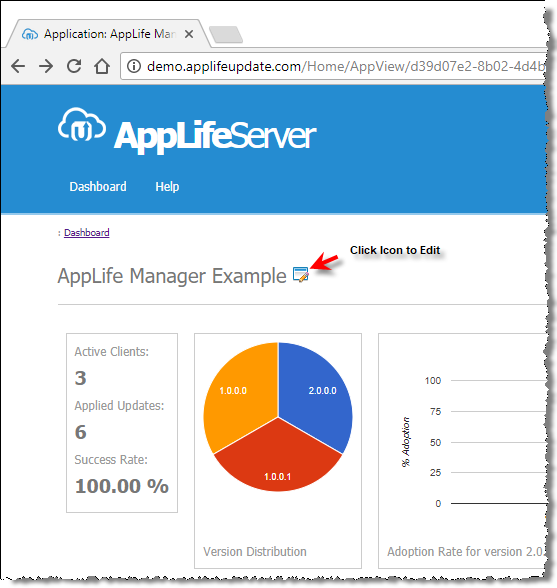
Applications are listed on the main page of the AppLife Server user dashboard. The application’s current version and number of active clients are prominently displayed in the dashboard. A publisher can access the details of an application by clicking on the Edit icon within the dashboard.
When editing an application, a publisher can modify:
•Application Name
•Inform Owner of Failed Updated
•Enable AppLife Manager Integration
Note that an Application ID cannot be changed. Application ID can only be modified when creating a new Application.